RS-232 Interface (XSP Series)
The XSP series (XSP01L, XSP01R, XSP11L, and XSP11R) uses the RS-232 serial standard for compatibility with industrial PCs, terminals, and PLCs.
Pin Assignment

The module is data communication equipment (DCE) and provides a 9-pin female D-Sub connector.
| Pin | Signal | Description |
|---|---|---|
| 1 | DCD | Data Carrier Detect (N.C.) |
| 2 | TXD | Transmitted Data* |
| 3 | RXD | Received Data* |
| 4 | DTR | DTE Ready |
| 5 | GND | Signal Ground* |
| 6 | DSR | DCE Ready |
| 7 | CTS | Clear to Send |
| 8 | RTS | Ready to Send |
| 9 | RI | Ring Indicator (N.C.) |
* Required connections for basic communication.
Connection to PC
To connect the module to a standard PC (DTE with a 9-pin male connector), use a straight-through cable. Do not use a null-modem cable for this connection.
Basic Circuit Diagram
| Module | Figure |
|---|---|
| XSP01L / XSP11L | 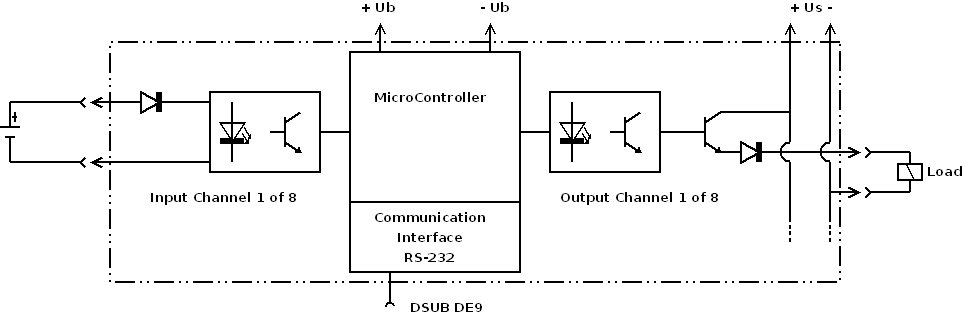 |
| XSP01R / XSP11R | 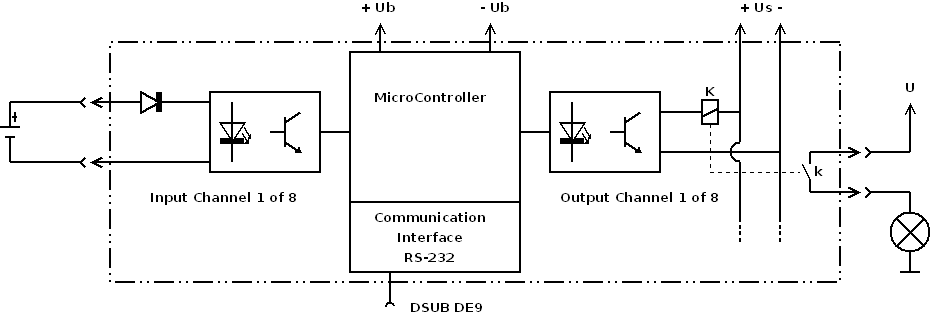 |
Remote Control Mode (RTU)
Two RS-232 modules can be coupled directly to mirror one module's inputs to the other module's outputs. Connect the modules with a null-modem cable (crossed signal lines) or a suitable transmission link, such as radio modems.
Available Modules
| Module | Image | Shop Link |
|---|---|---|
| XSP01L | 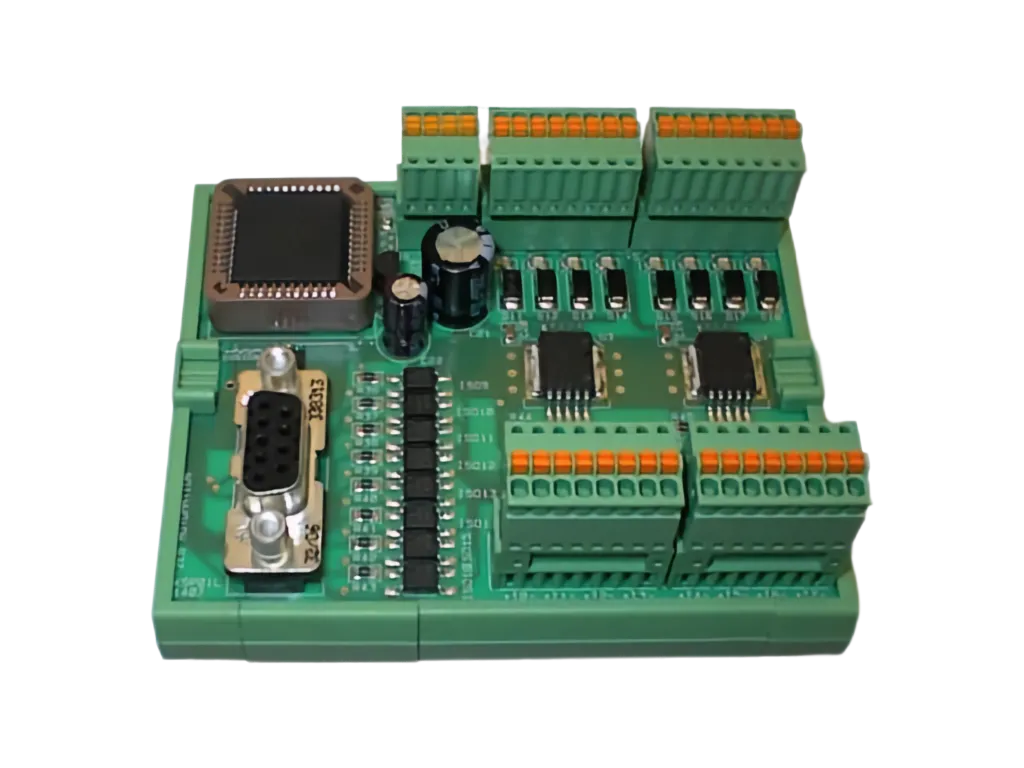 | Webshop |
| XSP01R | 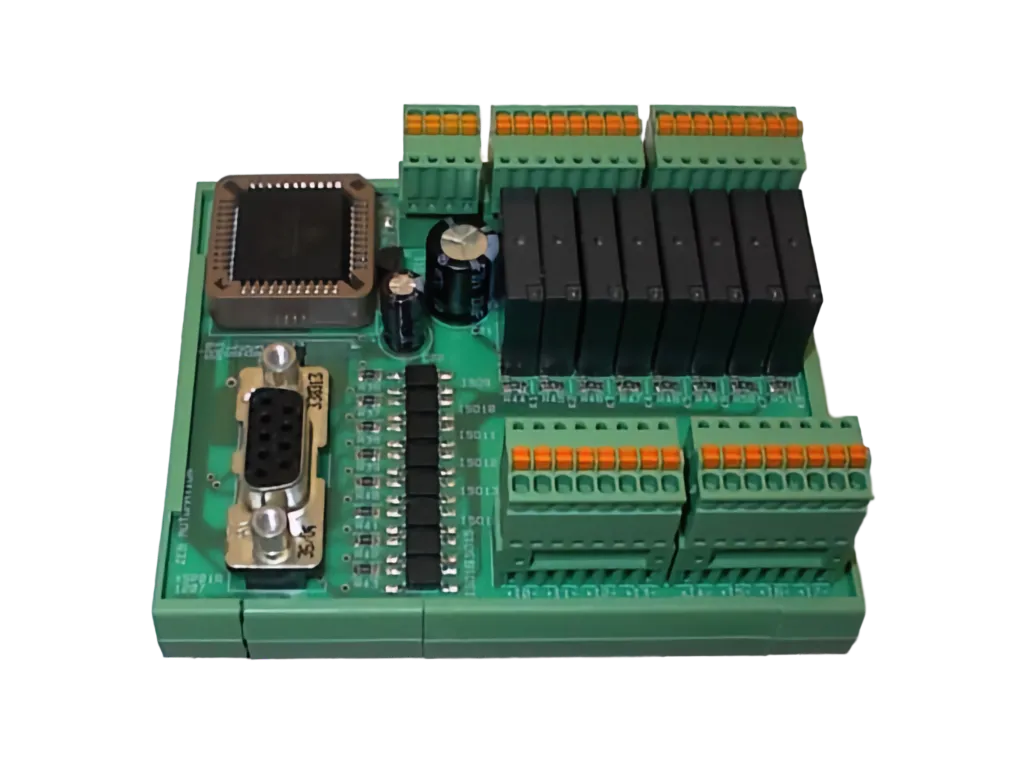 | Webshop |
| XSP11L | 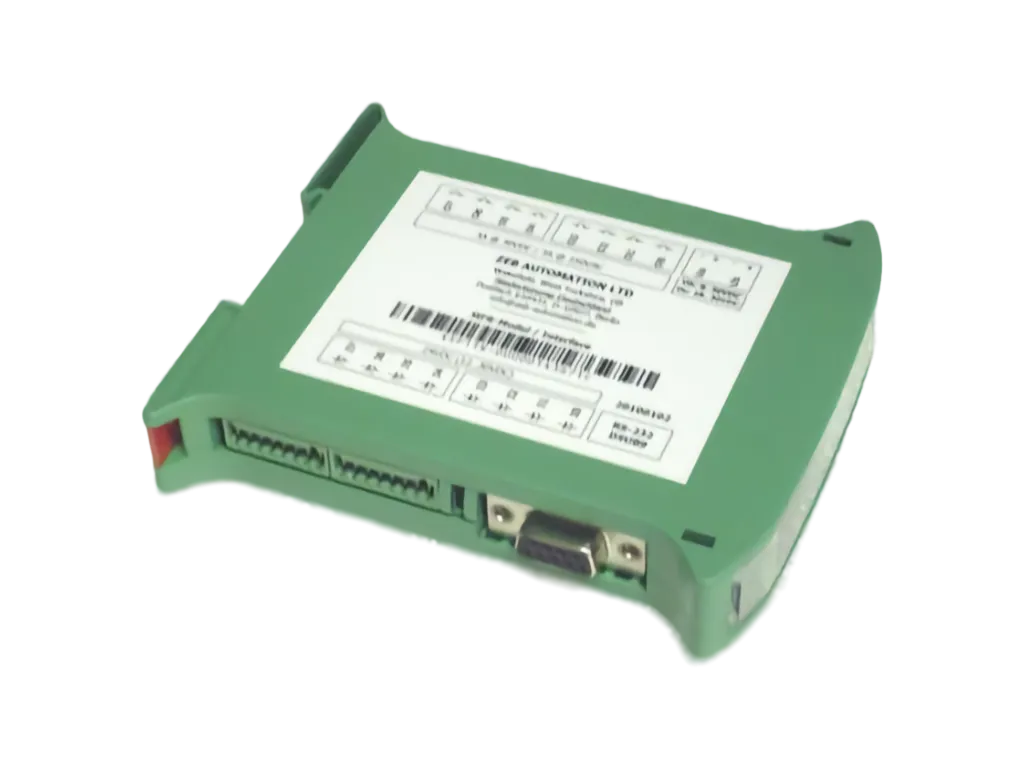 | Webshop |
| XSP11R | | Webshop |